
Empowering Content Editors and Site Builders with Intuitive Drag-and-Drop Interface for Customizing Web Pages

Our customer, Cleo, is a leading provider of ecosystem integration software solutions for companies of all sizes.
Attico developed a visual design tool called Layout Builder for Cleo which allows content editors and site builders to easily and quickly create visual layouts for displaying content.
With the Layout Builder’s intuitive drag-and-drop interface, users can customize how content is arranged on a single page, across different types of content, or even create custom landing pages.
Attico International assembled a team of experts with a proven track record of enterprise solution development to execute this project:


The main challenge that Attico International faced when developing the Layout Builder was to create a tool that was easy to use, flexible, and could streamline the process of creating web pages. Attico International’s team had to develop a tool that could provide a drag-and-drop interface to allow users to easily customize the layout and content of web pages without any programming. This meant that the team had to find a way to simplify the design process and make it accessible to users with a wide range of technical skills. Additionally, the team had to ensure that the Layout Builder was versatile enough to accommodate different types of content and layouts, while still being user-friendly and efficient.
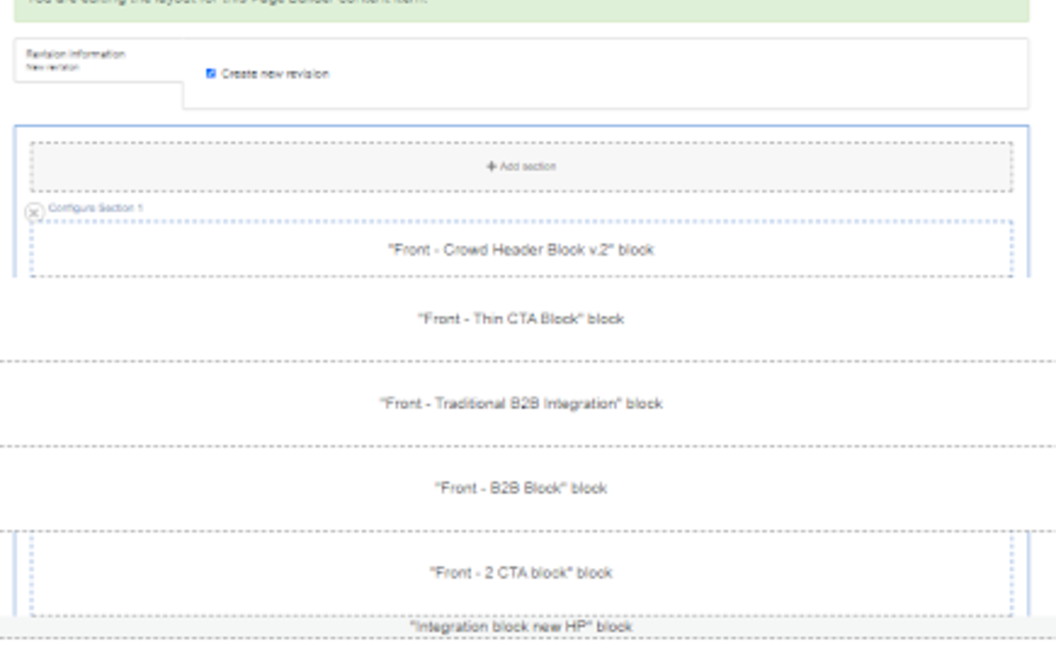
Cleo wanted to streamline their page creation process and make it more efficient. They were looking for a tool that would enable them to create visually appealing layouts without the need for extensive coding or technical knowledge.
Attico’s team developed the Layout Builder, a visual design tool that provides content editors and site builders with a drag-and-drop interface to create visual layouts quickly and easily.
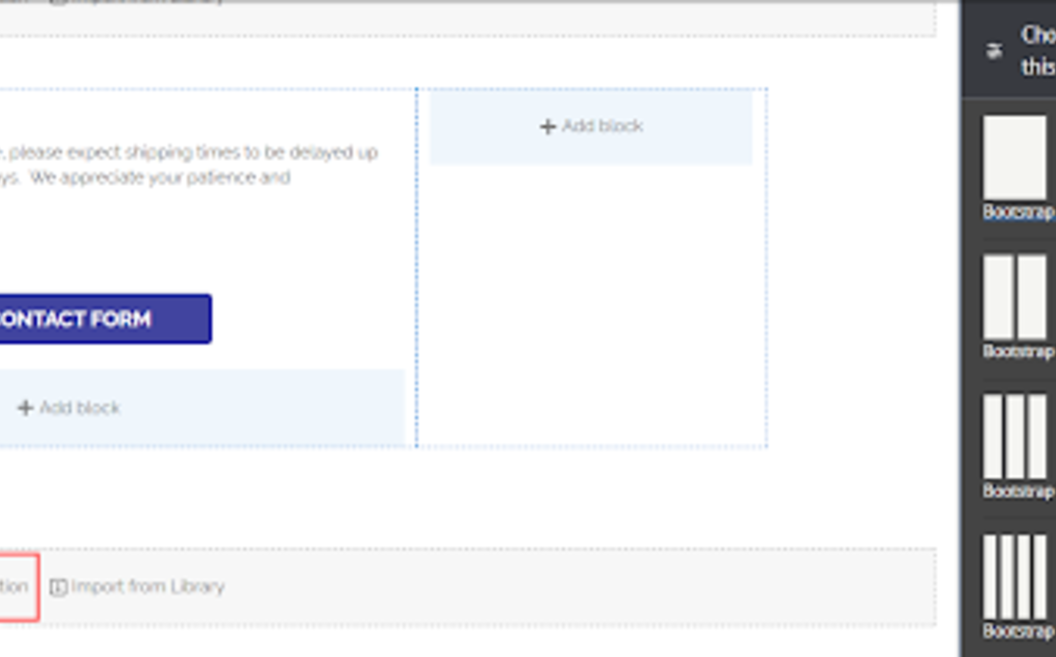
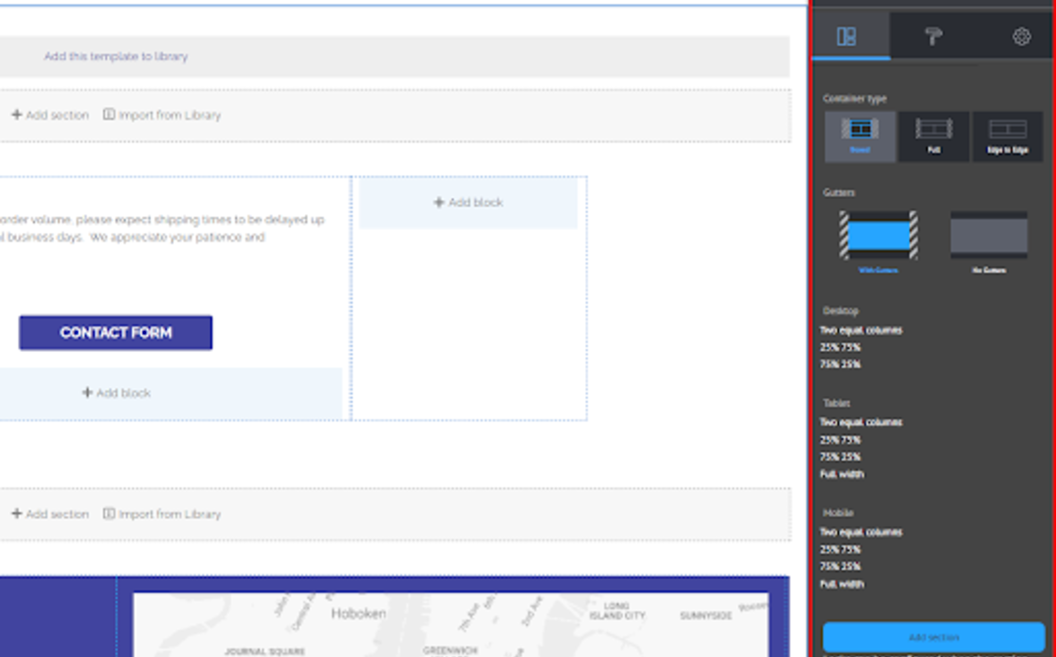
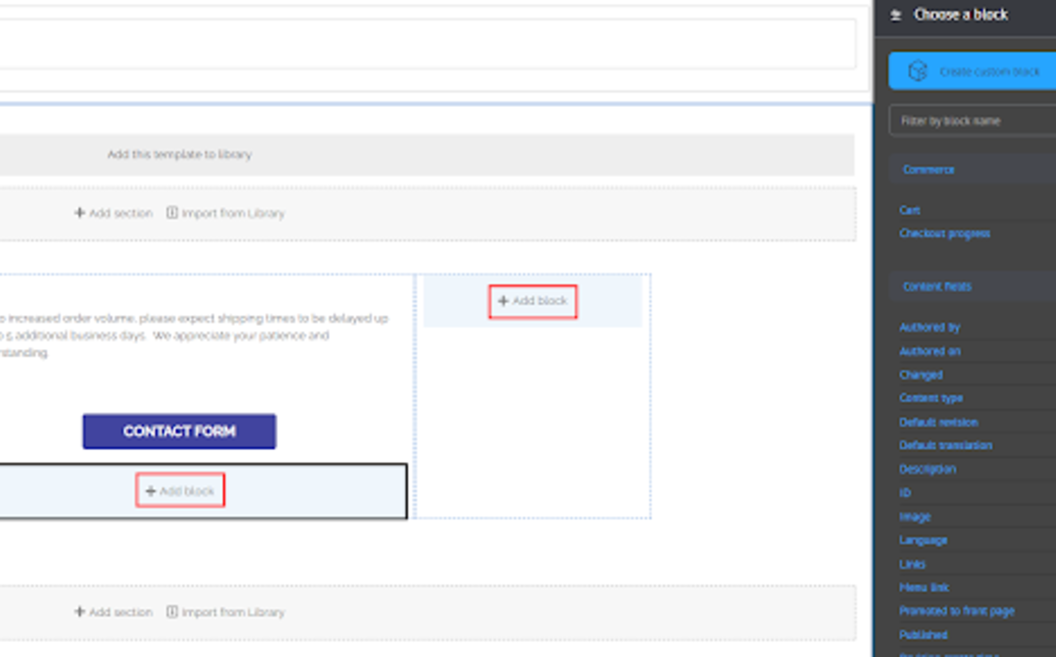
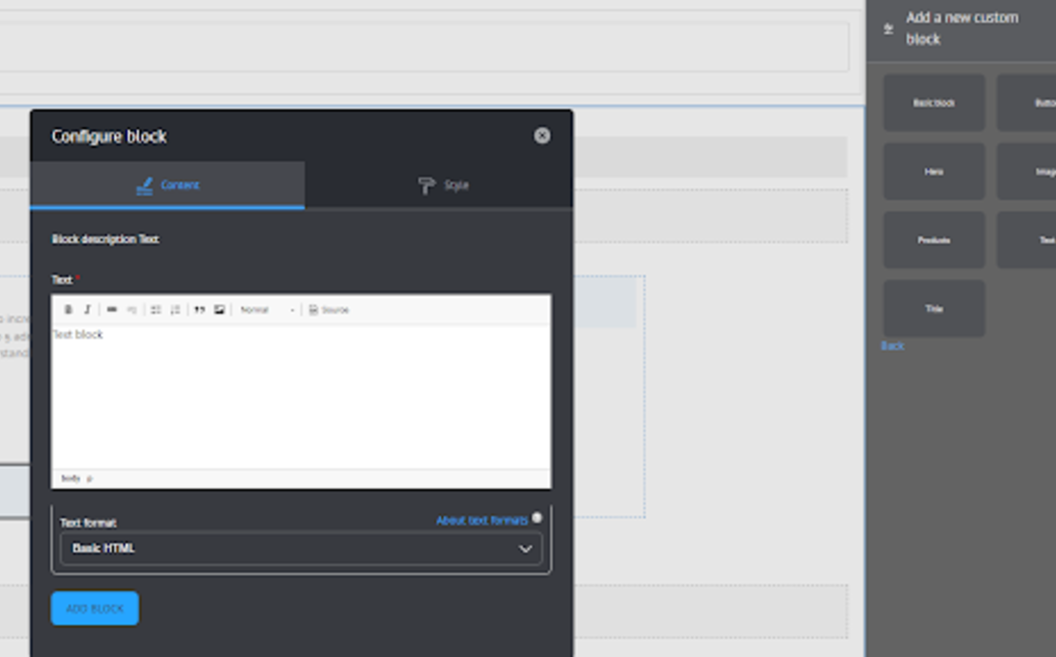
Thanks to the flexibility of the Layout builder, the process of creating a page has become fast and convenient. It has become possible to visually observe how the page looks after adding a block. It has also become possible to quickly swap blocks using the drag-and-drop tool. It has become possible to edit the block content directly from the Layout builder.
With Layout Builder, It has become possible to visually observe how the page looks after adding a block. It has also become possible to quickly swap blocks using the drag-and-drop tool. It has become possible to edit the block content directly from the Layout builder.


